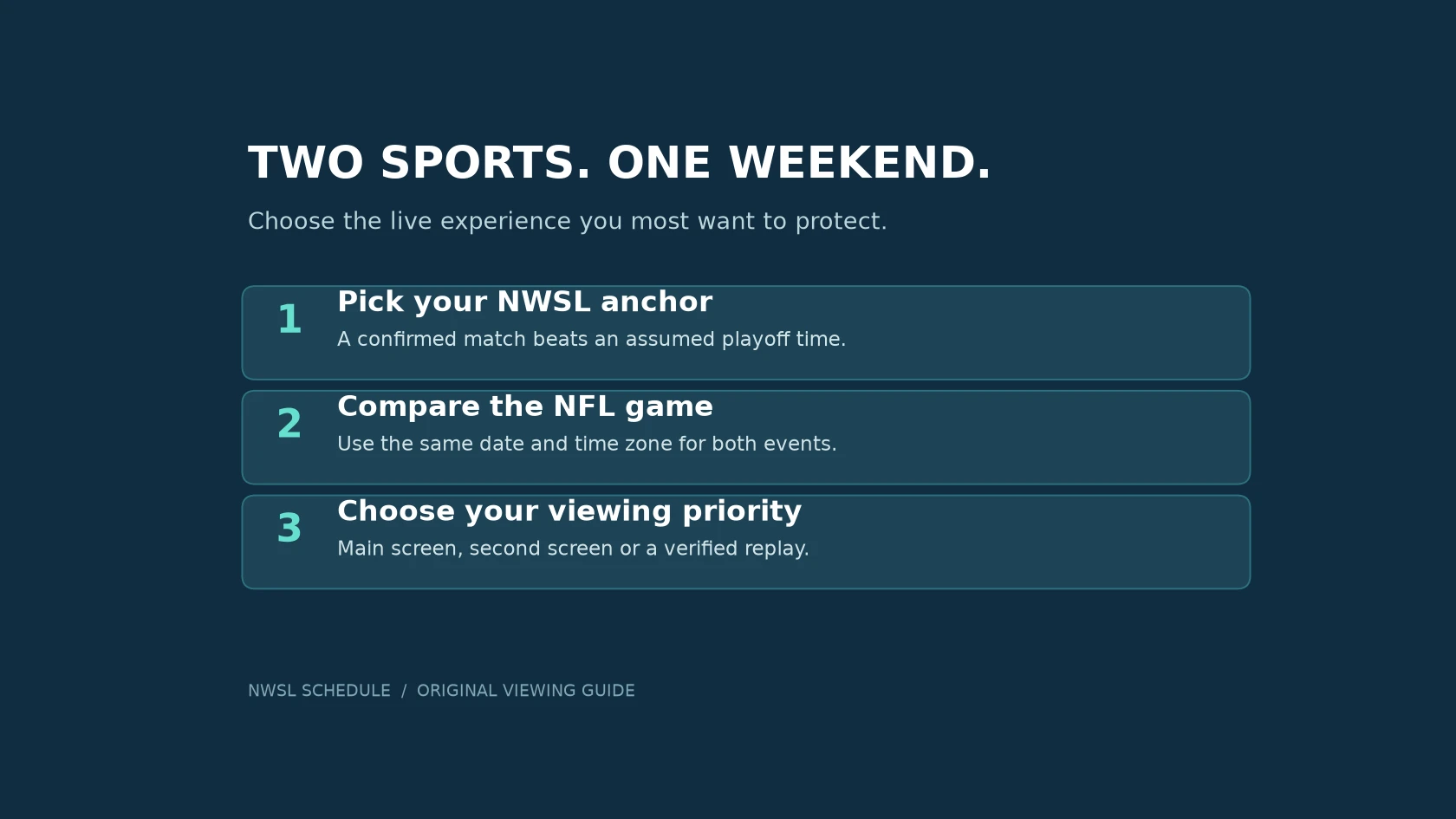
Anchor the weekend to the NWSL match you want live
If you follow both the NWSL and NFL, start by deciding which soccer match you want to watch without interruption. Then fit football around that commitment. This is especially useful during the NWSL postseason, when a broad playoff weekend can appear on the calendar well before your team's exact kickoff is assigned.
The NWSL's announced 2026 calendar places quarterfinals on November 6–8 and semifinals on November 13–15. The league's later Championship event announcement sets the final at Audi Field for Saturday, November 21, at 8 p.m. Eastern Time. Those are useful planning anchors, but the round windows do not assign every participating club a particular kickoff.
Washington provides a concrete example of the distinction. As checked on October 23, 2026, the Spirit's playoff page describes potential home dates while saying that exact dates, opponents and start times will be confirmed after the regular season. A possible Sunday home match is therefore something to keep room for, not a finished appointment to copy into an otherwise packed afternoon.
Use the NWSL playoff schedule guide for the competition overview. In your own viewing plan, keep two different kinds of entry: a provisional window for an unresolved fixture and a timed event for a confirmed match. Label the former clearly. When the club publishes the assignment, replace the window instead of leaving both entries behind.
Your priority may be a favorite club, a particular player or the Championship regardless of the finalists. Decide which of those matters most before scanning the football slate. Otherwise, it is easy to give every attractive game the same priority and discover the conflict only when both broadcasts are starting.
A soccer-first plan does not require ignoring football. It simply gives you a clear answer when simultaneous action makes full attention to both impossible. You can still choose another football game, follow scores between matches or watch a replay later. The important decision is which live experience you would most regret missing.
Compare kickoff times in one time zone
Open the NWSL weekly schedule and identify the match you intend to watch. Check its date, kickoff, status and listed broadcaster, then confirm the assignment with the club or league. Keep the actual matchup in your notes: “soccer on Sunday” is too vague to compare with a football schedule.
For the football side, NFL-Schedule.com's game schedule brings matchups, kickoff times and TV listings into one place. It is part of the same website project as NWSL Schedule. Use it to find the specific NFL game you care about, then put that event beside your soccer choice. A whole afternoon of football is a different commitment from following one team.
Use the same time zone for both entries. If a listing uses Eastern Time and your calendar displays local time, compare the converted values rather than the numbers shown on the two pages. During autumn, check the actual date as well as the time because daylight saving transitions do not happen on the same weekend everywhere.
The NWSL calendar page offers subscriptions for calendar apps and explains the difference from importing a saved file. A subscription can receive later changes when the app refreshes its feed; a one-time import remains a snapshot. Even with a subscription, confirm an important fixture on the match page before settling in to watch.
Give each event three separate notes: the listed kickoff, when you want to open the broadcast, and any commitment that might force you to stop watching. This keeps a pregame show from becoming confused with the game itself. It also makes a real limitation visible: if you have to leave during the match, adding another screen will not solve that problem.
Do not turn a likely finishing time into a guarantee. Leave a buffer between live events and decide what happens if the earlier one is still underway. The practical question is not merely whether starts overlap, but whether you are comfortable switching away from something you wanted to see through to its conclusion.
When your selected NWSL match still says TBA, save a reminder to check for the announcement. Avoid filling that gap with a kickoff borrowed from the same round in another season. Once the details arrive, update the plan and tell anyone who is joining you. A small shared plan is more dependable than several people remembering different versions of the schedule.
Check the exact match, channel and subscription
A start time answers when to watch; it does not establish how you can watch. Open the NWSL TV and streaming schedule for the individual match, then check the named broadcaster's current instructions. Do the same for the NFL game. Two listings that mention the same network do not by themselves prove that your account carries both events.
For example, Paramount+'s 2026 NWSL guide specifies its Premium plan for streaming the NWSL matches airing on CBS. The guide lists a quarterfinal on Saturday, November 7, at noon Eastern Time. That is a specific broadcast slot with a stated access requirement, not a promise that every NWSL postseason match is included in every Paramount+ plan.
Use that example as a method rather than as a shortcut. Find the selected event in the provider's own listings, confirm your territory and account entitlement, and check that your intended device is supported. If you are traveling, verify access from the place where you will actually be watching. A service that works at home may have different availability elsewhere.
Before adding a subscription, inspect the services you already have. A channel may be available through an existing television package, while another match requires a separate service. Compare the exact events you intend to watch, not just a platform's list of sports logos. Read the current plan and billing terms directly if you decide that an additional service is worthwhile.
- Event: Is this the correct matchup and date, rather than a preview or highlights show?
- Access: Does your account include the stated channel or stream in your location?
- Device: Can you play it on the television, browser or app you plan to use?
- Backup: Have you verified a replay or recording option if live viewing becomes impossible?
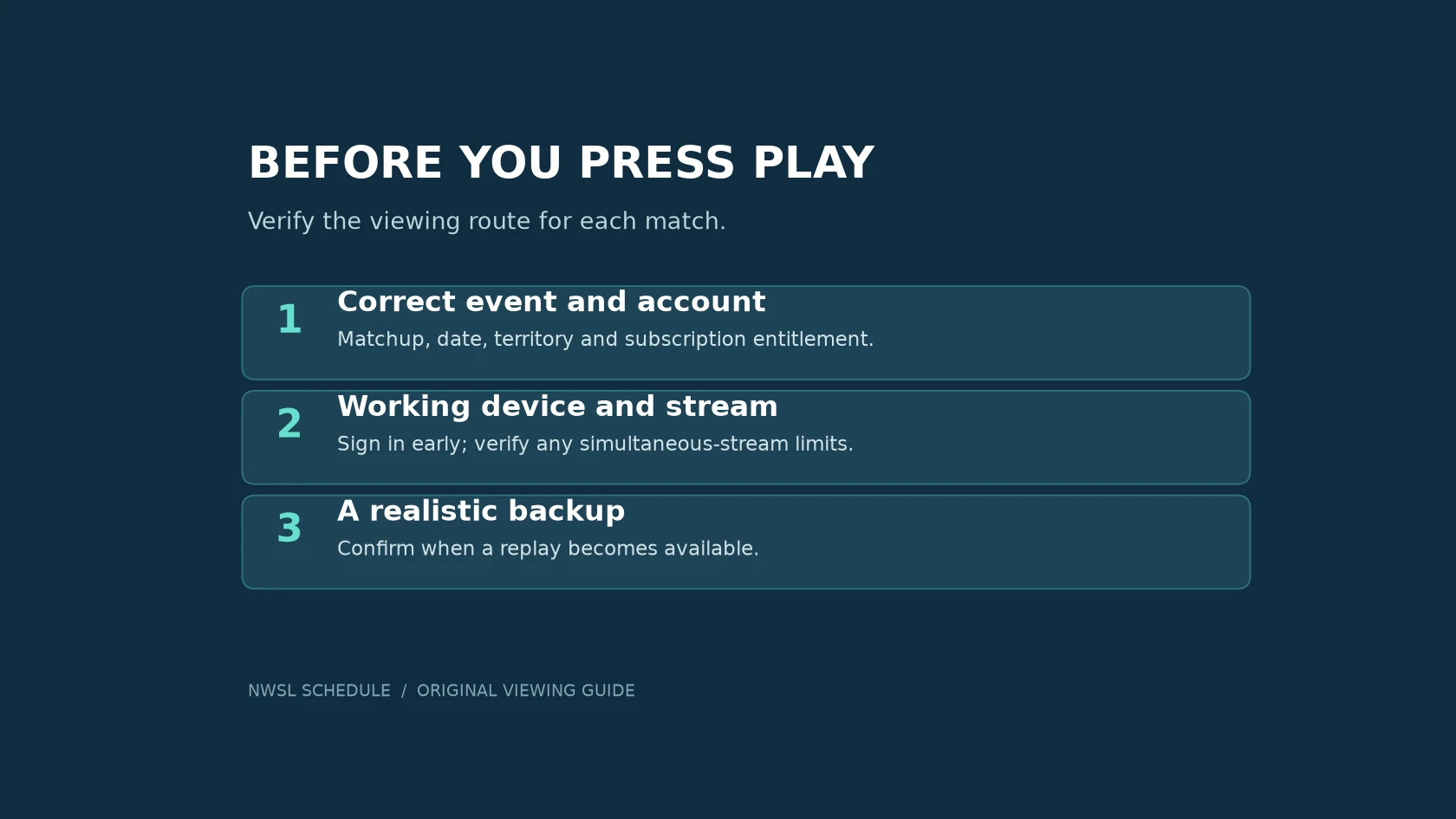
Try the login and playback setup before the match. This is the right moment to discover a forgotten password, an app update or a device that is signed into the wrong account. If you intend to use two screens, check the provider's simultaneous-stream rules rather than assuming the second screen will work.
Keep the viewing link with the calendar entry once you have verified it. When kickoff approaches, that gives you one clear route to the event instead of another search through old rights announcements. If the broadcaster changes, update both the schedule note and the saved viewing destination.
Decide what gets the main screen before the games begin
A second screen can help you follow two events, but it cannot give both your full attention. Choose which match receives the main picture and audio, and decide whether the other screen is for live action, a score check or nothing at all. Make that choice with the people watching with you rather than renegotiating every time something exciting happens.
Consider a hypothetical conflict: your NWSL club is playing an elimination match while your NFL team has a regular-season game in progress. You could watch soccer live and save football for later, keep football scores available without its audio, or deliberately split attention. None of these choices requires pretending that you will see every passage of play in both games.
If replay is part of the plan, verify when it becomes available. The NWSL+ FAQ explains that replay timing depends on the original broadcaster. Do not assume you can open every full match immediately after the final whistle. Check the current policy for that match before making a same-evening replay your backup.
For US viewers, NFL's replay help page describes full and condensed current-season replays with NFL+ Premium after the telecast. It also states that NFL+ is limited to the United States and unavailable in US territories. Viewers elsewhere need to check their own authorized service rather than apply that product description globally.
Think about spoilers as well as access. If you want to watch an event later without knowing the result, decide whether to mute score notifications, avoid live-score pages and ask friends not to post updates in your group chat. If you are happy to know the result, a condensed replay or highlights may fit your evening better than a second full broadcast.
Set a clear fallback for technical trouble. Keep the provider's help page available, know whether another supported device is ready, and avoid spending the entire match trying unverified streams. A legitimate replay later may be the more useful option when the live setup is not working.
Before the weekend begins, confirm four things: the soccer appointment is current, the football game has a defined place in the plan, both viewing routes work, and everyone understands the choice if they overlap. That leaves you free to follow the action instead of repeatedly checking schedules while the game you most wanted to see is already underway.
Loading comments…